-
 Written by Anir k
-
June 30, 2025
-
2 minutes
Now that you’ve explored your options for the best IPTV subscription UK, it’s time to set up your service and start streaming. Fortunately, modern IPTV services are compatible with a wide range of devices, and the setup process is often straightforward—even for beginners.
Below is a complete walkthrough for each major device type.
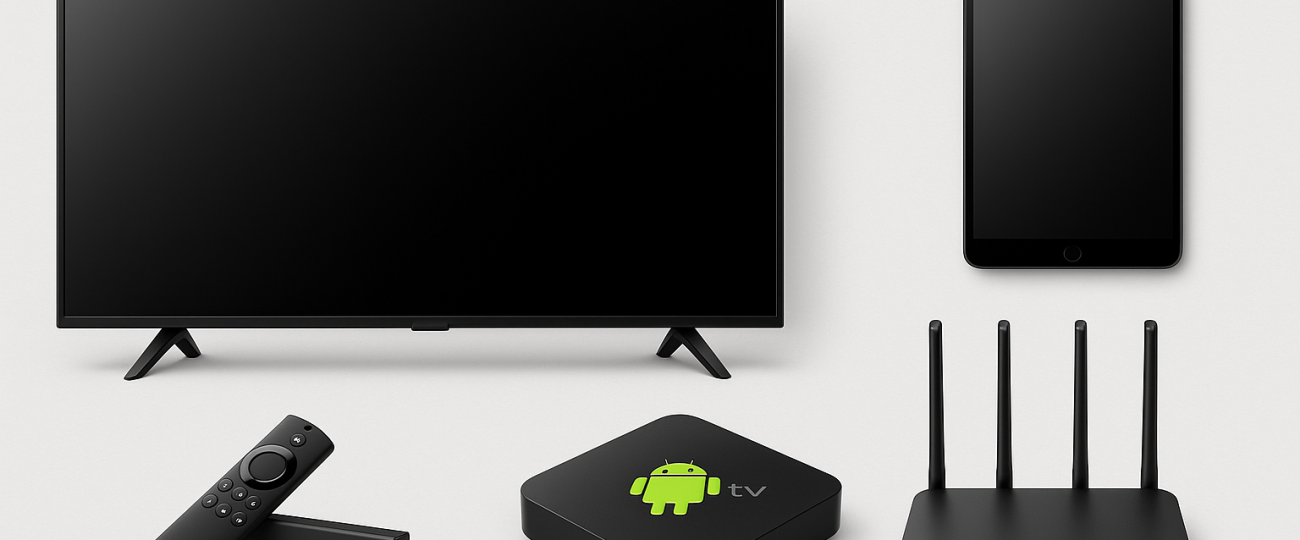
Setting Up IPTV on Amazon Firestick (Most Popular in the UK)
Amazon Firestick is the go-to device for IPTV in the UK due to its affordability, portability, and app compatibility.
Step-by-Step Firestick Setup:
- Go to Settings → My Fire TV → Developer Options
- Enable “Apps from Unknown Sources”
- Install the Downloader app from the Amazon Store
- In Downloader, enter the IPTV app URL (e.g. IPTV Smarters Pro APK)
- Install the IPTV app
- Open the app and enter your credentials (M3U URL or Xtream Codes)
✅ Done! You’re now ready to stream live TV, VOD, and sports on Firestick.
Setting Up IPTV on Android Boxes / Smart TVs
For Android TV Boxes (e.g., Nvidia Shield, X96 Max):
- Open Google Play Store
- Install IPTV player (TiviMate, Smarters Pro, Flix IPTV)
- Launch the app and enter login credentials
- Customize EPG, categories, or layout
For Smart TVs (LG, Samsung):
- For LG: Use WebOS-compatible IPTV apps like IBO Player or Net IPTV
- For Samsung: Use Smart IPTV (SIPTV) or SET IPTV
- Upload the M3U link via the app’s website and activate it with your MAC address
✅ Note: Many Smart TV apps require a one-time activation fee.
Setting Up IPTV on Windows/macOS
On Windows PC:
- Download VLC Media Player or MyIPTV Player
- Go to Media → Open Network Stream
- Enter your M3U Playlist URL
- Stream live content immediately
On macOS:
- Install GSE Smart IPTV or use VLC
- Load your IPTV credentials
- Start streaming
✅ This is ideal for multi-taskers who want IPTV on their laptop while browsing.
Setting Up IPTV on Mobile (iOS/Android)
- iOS: Use apps like GSE Smart IPTV, XCIPTV, or Smarters Player Lite
- Android: Use TiviMate, XCIPTV, or IPTV Extreme
Login with:
- Xtream Codes
- M3U URL
- Portal URL (if using MAG-based service)
✅ Mobile setups allow flexible streaming on the go.
VPN Setup for Safe IPTV Streaming in the UK
UK IPTV Subscription, to ensure privacy, access geo-restricted content, and avoid ISP throttling, it’s strongly advised to use a VPN when streaming IPTV.
Best VPNs for IPTV in the UK:
- ExpressVPN – Fast, Firestick app, high privacy
- NordVPN – Affordable, Smart DNS, UK-based servers
- Surfshark – Unlimited devices, Firestick support
How to Use a VPN with IPTV:
- Install VPN app on your device
- Connect to a stable server (preferably UK or Netherlands)
- Launch IPTV app after VPN is active
✅ You’re now protected while watching your favorite content.
Home