May 17, 2026



 Written by Anir k
Knowing how much bandwidth IPTV needs makes the difference between smooth play and constant buffering. As IPTV becomes more common, many people ask what internet speed they actually need to watch TV in SD, HD or 4K without interruptions. This guide explains the minimum speeds for different picture qualities, how HD and 4K raise bandwidth demands, and simple ways to test your connection. By the end you’ll know how to match an internet plan to your viewing habits and get more reliable streaming at home.
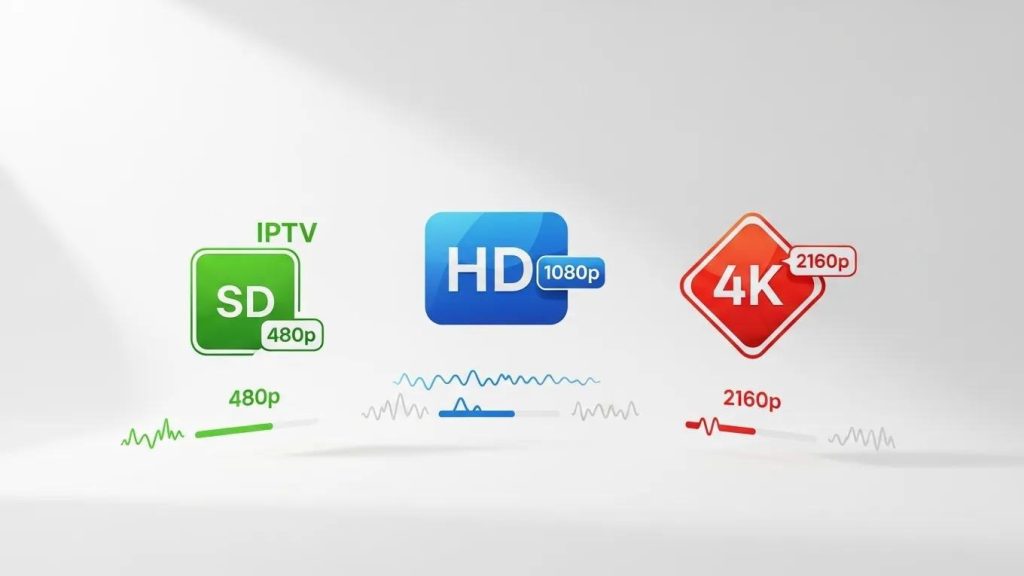
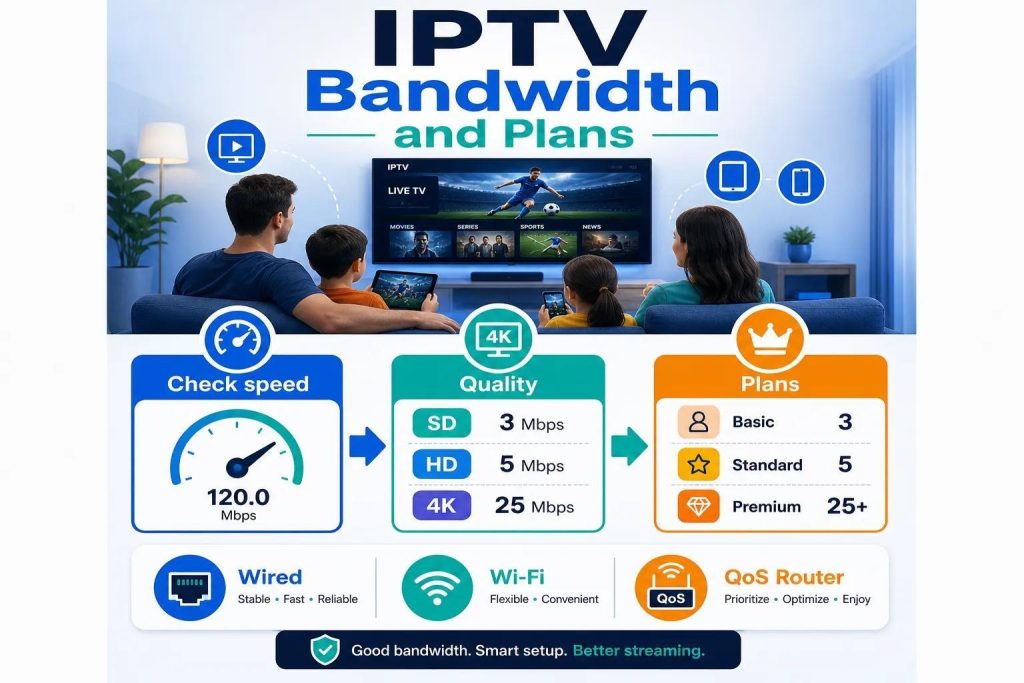
Minimum speed depends on the video quality you want. A stable connection is the key to avoiding buffering and dropouts. As a rule of thumb, Standard Definition (SD) works from about 3 Mbps, High Definition (HD) from about 5 Mbps, and 4K (Ultra HD) generally needs 25 Mbps or more. These figures give you a reliable baseline for watching shows and movies without frustrating interruptions.
Earlier studies provide more technical detail on how different encoding standards affect bandwidth needs.
IPTV Bandwidth Demands: HD & SD Streams
MPEG‑4 AVC (H.264) encoding can require roughly 8 Mb/s for an HD stream and about 2.3 Mb/s for an SD stream. These values illustrate how codec and network conditions influence IPTV bandwidth in metropolitan area networks.
IPTV bandwidth demands in metropolitan area networks, JE Simsarian, 2007
Your internet speed directly affects picture clarity and playback stability. If download speeds fall below the recommended levels you’ll likely see pixelation, stuttering or pauses. The connection type matters too — fibre‑optic lines tend to maintain higher and steadier speeds than many DSL or older cable setups, which helps reduce interruptions during peak use.
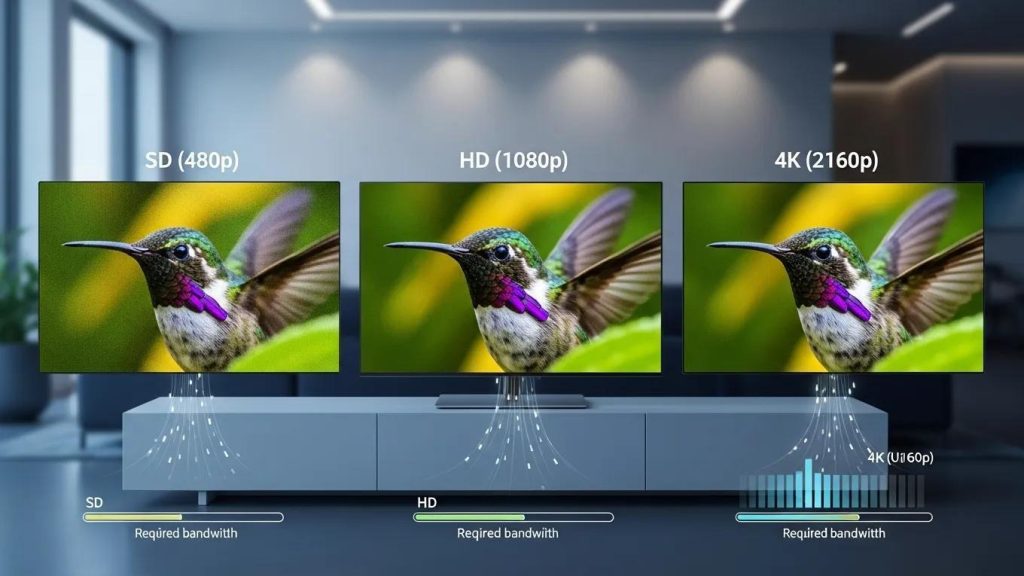
Different picture qualities need different amounts of sustained bandwidth. Use this quick breakdown to match your plan to the quality you want:
These numbers help you choose an internet plan that supports your viewing habits and keeps playback smooth.
Technical studies back up these guidelines and show how sustained bandwidth matters for consistent video quality.
IPTV Speed: SD & HD Bandwidth Needs
Research notes roughly 3 Mb/s sustained bandwidth per SD stream, with HD streams often needing up to about 8 Mb/s depending on encoding — highlighting significant bandwidth requirements for customer access.
Enabling IPTV: What’s needed in the access network, 2008
For HD viewing, aim for at least 5 Mbps to keep video quality steady; lower speeds increase the chance of buffering and reduced clarity. For 4K, bandwidth needs rise substantially — 25 Mbps is a good starting point because 4K delivers four times the pixels of HD and therefore carries a much larger data load.
Some technical analyses note that real‑world 4K services can vary and, in certain configurations with newer codecs, may use less bandwidth than older estimates suggest.
IPTV Bandwidth for HD & 4K UHD Streaming
HD services typically need several Mb/s to deliver good video quality. In some cases, modern 4K UHD services can operate with under 20 Mb/s depending on compression and delivery methods.
Delivering High‐Definition IPTV Services over IP‐Based Networks, 2018
Measuring your internet speed is quick and tells you whether your connection can handle the quality you want. Popular online testers measure download and upload speeds so you can compare the results to the recommended thresholds for IPTV.
Focus on download speed when checking results. Ensure it meets or exceeds the minimum for your desired quality, and watch for large fluctuations — inconsistent speed often causes playback issues even if the peak speed looks fine. If you share your connection with others or stream on multiple devices, add those needs together when deciding if your plan is sufficient.
Picking the right IPTV plan helps you get the picture quality and features you want without overspending. Different tiers suit different speeds and household needs — match the plan to your measured internet speed and how many devices will stream at once.
Choosing a plan aligned with your bandwidth gives practical benefits:
| Plan Type | Recommended Speed | Features |
|---|---|---|
| Basic | 3 Mbps | SD content, limited channels |
| Standard | 5 Mbps | HD content, more channels |
| Premium | 25+ Mbps | 4K content, all channels, cloud DVR |
Your IPTV quality depends on connection type (fibre, DSL or cable), overall network congestion, and how many devices are active at once. Router quality and placement also matter — a poor router or one tucked away can reduce Wi‑Fi performance. If others are gaming, video‑calling or downloading large files at the same time, streaming can suffer. Giving priority to your streaming device or using a wired connection can help.
Wi‑Fi works, but wired Ethernet is generally more reliable. Wired connections avoid interference and distance issues that can cause speed drops on Wi‑Fi. If you must use Wi‑Fi, place the router centrally, use the 5 GHz band for streaming, or consider mesh Wi‑Fi or powerline adapters to improve stability.
That depends on your total available bandwidth and each stream’s requirements. For example, a 25 Mbps line could support multiple HD streams in theory, but background apps and other users may reduce the practical capacity. If several devices are streaming 4K, you’ll need substantially more bandwidth to avoid problems.
First, run a speed test to confirm your download speed. If it’s below the recommended level, upgrade your plan or limit other devices while streaming. If speeds look fine, try restarting the router, switching to a wired connection, or reducing the number of active devices. If issues continue, contact your IPTV provider or ISP to check for network problems.
No router is IPTV‑specific, but high‑performance models with QoS, dual‑ or tri‑band support and the latest Wi‑Fi standards (Wi‑Fi 5/6) improve streaming. Brands such as ASUS, Netgear and TP‑Link offer models built for heavy streaming and many devices.
Yes — many IPTV services support multiple simultaneous streams, but limits depend on your subscription. Some plans restrict concurrent devices while others are more flexible. Always check the terms of your plan to see how many streams are allowed and which devices are supported.
Understanding IPTV bandwidth needs helps you avoid buffering and get the video quality you expect. Use 3 Mbps for SD, 5 Mbps for HD and around 25 Mbps for 4K as practical starting points, then test your connection and choose a plan that matches your household’s usage. By matching speed, router setup and plan features you’ll get a much more reliable streaming experience — start by testing your speed and adjusting from there.